Skip to content
Trifid Content Hub

Edit for the channels that move culture

We shoot. You edit. Join the editors and producers behind Trifid Media's YouTube channels. We assign you real projects, you deliver to the brief, and you get paid for every approved video while you climb from Iron to Master.

The Trifid Media studio: a creator seated among cameras, film strips, storyboards and creative briefs

Raw footage, script and brief, ready when you are. You bring the edit.

See how it works

Ranked on speed, quality and performance. The better you ship, the higher you climb.

See the ranks
Iron to Master
6 ranks
Iron to Master
Paid for every approved video
Per video
Paid for every approved video
Per approved referral at Diamond+
$20
Per approved referral at Diamond+
Work from wherever you edit best
Remote
Work from wherever you edit best
Roles

Three ways in. One production line.

Every video moves in one direction: our team assigns it, the producer finds the clips and writes the script, we approve them and record the voice-over, then the editor cuts it. Apply as an editor, a producer, or as both — here is exactly what each one does.

  1. 01

    Trifid team

    Plans each project, puts a producer and an editor on every video, approves the clips and script, and records the voice-over.

  2. 02

    Producers

    Find the clips their video is built from and write its script, then send both for approval.

  3. 03

    Editors

    Take the approved clips, script and voice-over and cut the finished video.

  4. 04

    The channel

    Approved videos go live, and their views and revenue are tracked.

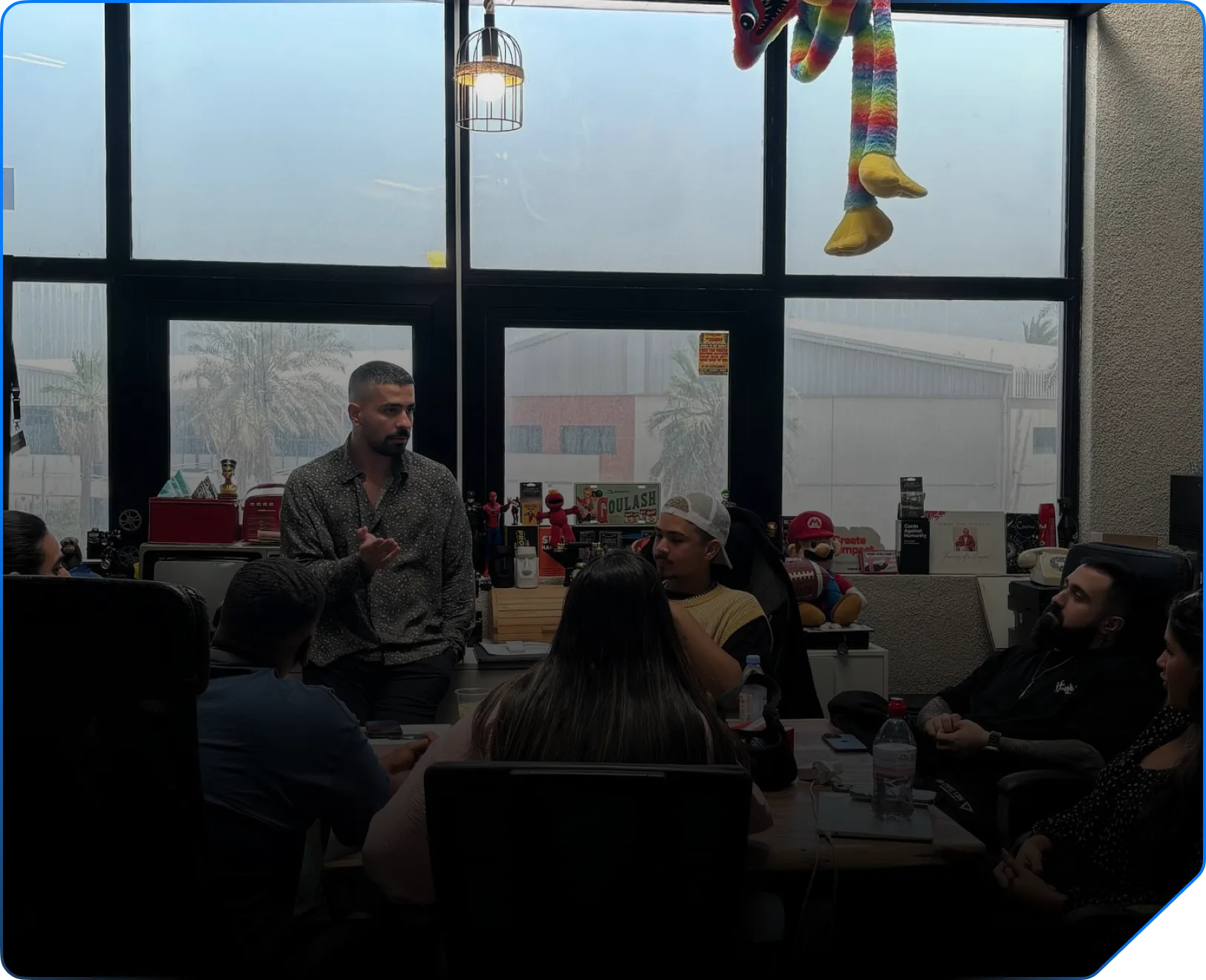
Trifid Media's in-house creative team in the studio
Role 01

Editor

You turn raw footage into finished videos. We handle the shoot, the script and the brief. You own the edit.

What you'll do

  • Pick up the videos assigned to you. The clips, the approved script, the voice-over and the brief are all on the video, ready to go.
  • Edit to the brief: pacing, captions, sound, colour, graphics and VFX, in the format the channel runs.
  • Upload your export before the due date. Every upload is saved as a new version.
  • Work through review notes. If changes are requested, revise and resubmit the next version.
  • Earn the project's editor rate for every video that gets approved.

Skills that help

  • Premiere Pro
  • After Effects
  • DaVinci Resolve
  • Final Cut Pro
  • CapCut
  • Color grading
  • Sound design
Apply as an editor
A Trifid Media producer leading a concept session with the team
Role 02

Producer

You shape the story before anyone opens a timeline: the research, the script and the assets our editors cut from.

What you'll do

  • Take the videos assigned to you and find the clips each one is built from, then upload them to that video.
  • Write the script for it — hook, body and call to action — right in the hub, with references attached.
  • Send the clips and script for approval in one go. If we ask for changes, you'll see exactly what to fix.
  • Once it's approved, the video moves on by itself: we record the voice-over and the editor takes it from there.
  • Earn the project's producer rate for every approved video you produced.

Skills that help

  • Research
  • Scriptwriting
  • Storyboarding
  • YouTube SEO
  • Thumbnail design
Apply as a producer
Role 03

Editor & Producer

Some people do both, so you can apply for both. You produce the video and then edit it yourself, and you earn both rates for it.

What you'll do

  • Apply once for both roles. We can put you on a video as its producer, as its editor, or as both.
  • Produce first: find the clips, write the script, send them for approval.
  • Then edit: your own approved clips and script plus the voice-over we record, cut into the finished video.
  • Earn the project's producer rate and its editor rate on every approved video where you did both.

Skills that help

  • Scriptwriting
  • Research
  • Premiere Pro
  • After Effects
  • Sound design
  • Thumbnail design
Apply as both
How it works

From application to published.

Six steps, the same for every editor and producer. Each hand-off happens on its own, and the hub shows you exactly which step each of your videos is at.

Start with step 01
  1. Step 01: Register

    Create your account as an editor, a producer, or both, confirm your email, and tell us about your skills, software and portfolio.

  2. Step 02: Approval

    Our team reviews every application by hand. Log in at any time to see where yours stands. Until you're approved, the hub stays locked.

  3. Step 03: Assigned projects

    Projects are assigned to you directly. You only see the projects you're on: nothing to bid on, nothing to chase.

  4. Step 04: Create

    Producers find the clips and write the script, we approve them and record the voice-over, then editors cut the video and export to the brief.

  5. Step 05: Review

    We review each submission, rate it, and either approve it or send it back with clear notes on what to change.

  6. Step 06: Published & paid

    Approved videos go live on the channel. Your earnings for each one are added to your payouts, and its views and revenue feed your rank.

Ranks

Climb from Iron to Master.

Your rank is earned, not given. It's the highest tier where your score and your completed videos both clear the bar, and Master is the top of the ladder.

  1. Tier 1Iron

    Everyone starts here. Ship clean, on-time videos to climb.

    Where everyone starts

  2. Tier 2Silver

    Consistent delivery with solid first-pass quality.

    Score
    40+
    Videos
    5+
  3. Tier 3Gold

    Reliable editors trusted with higher-priority channels.

    Score
    55+
    Videos
    15+
  4. Tier 4Diamond

    Top performers. Unlocks the affiliate program.

    Score
    65+
    Videos
    40+
  5. Tier 5Grand Master

    Elite speed, quality and performance across many videos.

    Score
    75+
    Videos
    90+
  6. Top tierMaster

    The highest tier in the Content Hub.

    Score
    85+
    Videos
    180+

How your score works

Your score runs from 0 to 100 over a rolling 180-day window and updates after every review. It's built from three things you control. Producers are scored on the videos of the projects they produced.

  • Speed

    30%

    How often your first submission lands on or before the due date. Late first submissions pull this down.

  • Quality

    35%

    Your average review rating, combined with how often your first submission is approved without changes.

  • Performance

    35%

    Views and revenue of your published videos compared with the platform average. Nothing published yet? The weight moves to speed and quality, so new creators aren't penalised.

Affiliate program

Bring in great people. Get paid for it.

Top creators know other great creators. Once you reach Diamond, you get a personal referral code and link. Every time someone you referred is approved, $20 goes into your payouts.

Your link will look like

trifidcontenthub.com/register?ref=YOURNAME-XXXX

Start at Iron: apply now
  • Unlocks at

    Diamond

    Reach Diamond and your code unlocks. It stays unlocked even if your rank moves later, as long as your account is in good standing.

  • Per approved referral

    $20

    Earned when the person you referred is approved to join the hub, not when they sign up.

  • Monthly cap

    $1,000

    Per referrer, per calendar month (Dubai time). Approvals past the cap still count toward your team.

  • Direct referrals only

    1 level

    You earn on the people you refer yourself. No second tier, no chains, one bonus per person.

Self-referrals aren't possible, a referral has to come through your code or link at sign-up, and bonuses from fake or duplicate accounts are voided. Full rules are in our terms.

Inside the hub

Your whole workflow, one dashboard.

The day you're approved, the Content Hub becomes your studio: every project, script, asset folder, deadline and payout in one place.

A preview of the creator dashboard. Figures, projects and names are sample data.
  • Overview

    Revenue your videos generated, your earnings, ongoing and overdue work, and your progress to the next rank.

  • Upcoming

    Projects assigned to you that haven't started, including ones still being shot or in pre-production.

  • Pending

    Videos you've submitted that are waiting for review, plus anything that came back with changes requested.

  • Assets

    The asset folders of your projects: footage, audio, graphics and references. Producers upload here.

  • Scripts

    Scripts and concepts for your projects, with attachments. Producers write and edit them here.

  • Exports

    Your approved and published videos, with the files, published links, views and revenue.

What we look for

Good taste. Clean deadlines.

We review every application by hand. There's no degree or follower count required. We look at your work, and at how you work.

Skills we hire for

  • Premiere Pro
  • After Effects
  • DaVinci Resolve
  • Final Cut Pro
  • CapCut
  • Photoshop
  • Motion graphics
  • Color grading
  • Sound design
  • Thumbnail design
  • Scriptwriting
  • Research
  • Storyboarding
  • YouTube SEO
  • Real work you can show

    Links to videos you edited, or scripts and research you produced. Personal projects count if they show how you think.

  • Deadlines you keep

    Every video has a due date. We need people who hit it, and who tell us early when something puts it at risk.

  • A feel for YouTube

    Hooks, pacing and retention. You know why people keep watching, and you edit or write with that in mind.

  • Fluency in your tools

    Editors work fast in a professional editor. Producers write clearly in English and research carefully.

  • Discretion

    Raw footage, scripts and unreleased videos stay private. That isn't negotiable, for us or for our clients.

  • A setup that can keep up

    A computer that handles long timelines and a connection that can move large files without stalling.

FAQ

Questions, answered.

The things editors and producers ask us before they apply.

Still unsure? hub@trifidmedia.com

How do I get paid?

Every project has a per-video rate for editors and one for producers, and you can see it on the project. When a video you worked on is approved, that amount is added to your earnings as a pending payout. Producer rates are split between the producers on the project. If you produced a video and edited it yourself, you earn both rates for it.

When we send the payout, we mark it paid in your hub. Payouts are in US dollars to the payout method you save in your settings. Videos that aren't approved don't earn.

How long does approval take?

We review applications by hand, in the order they arrive, and the timing depends on how many editors and producers we need at the moment. You don't need to chase us: log in any time to see your application status.

A complete application with a real portfolio link is the fastest way to a decision.

What software do I need?

Editors can use whatever they edit fastest and cleanest in: Premiere Pro, After Effects, DaVinci Resolve, Final Cut Pro and CapCut are all fine. What matters is that your export matches the brief's format and lands before the deadline.

Producers need to write and research well. Scripts are written right in the hub, and you upload the clips for the video alongside them. The voice-over is recorded by our team, so you never have to.

What happens if I miss a deadline?

Every video has a due date, and submitting your first version on time is what your Speed score measures, so late work lowers your rank. Repeated missed deadlines can lead to a formal warning, and continued problems can lead to suspension.

If something puts a deadline at risk, tell us early through Support in the hub. It's always better than going quiet.

How do ranks work?

There are 6 ranks: Iron → Silver → Gold → Diamond → Grand Master → Master. Master is the top. Your score (0 to 100) is built from Speed, Quality and Performance over a rolling 180-day window, and it updates after every review.

Your rank is the highest tier where both your score and your number of completed videos meet the bar. In rare cases our team can set a rank manually.

How does the affiliate program work?

It unlocks when you reach Diamond. You get a personal code and link, and when someone who signed up through it is approved, you earn $20, up to $1,000 per calendar month.

It's direct referrals only, with one bonus per person. Self-referrals aren't possible, and bonuses from fake or duplicate accounts are voided.

Is the work confidential?

Yes. Raw footage, scripts, briefs and unreleased videos belong to Trifid Media and our clients. Don't share them, post them, or upload them to tools and services the brief doesn't allow.

Once a video is published, you're welcome to show it in your portfolio by linking to the public video.

Can I be both an editor and a producer?

Yes. Pick “Editor & Producer” when you apply and we can put you on a video as its producer, as its editor, or as both — and you earn both rates when you do both.

If you applied for one role and the other fits you better later on, ask through Support and our team can change it.

Do I need to be in Dubai?

No. Trifid Media is based in Dubai, but the Content Hub is fully remote. Everything from assignments to payouts runs through the hub.

Applications are open

Ready to make videos people finish?

Tell us who you are and show us your work. Pick the role that fits you best — editing, producing, or both — and we'll take it from there.